
DLP projects in small companies usually start the same way: something leaked, the owner asked what happened, and now someone has to "look into DLP" by Friday. That pressure produces the two classic mistakes — buying a licence tier you did not need, or switching a policy straight to block and spending the next week unblocking your own colleagues.
You can start properly without buying the top tier first. Here is what your current SKU covers, where Teams message protection needs separate E5-class licensing, three policies worth starting with, and the rollout order that keeps people working.
In short
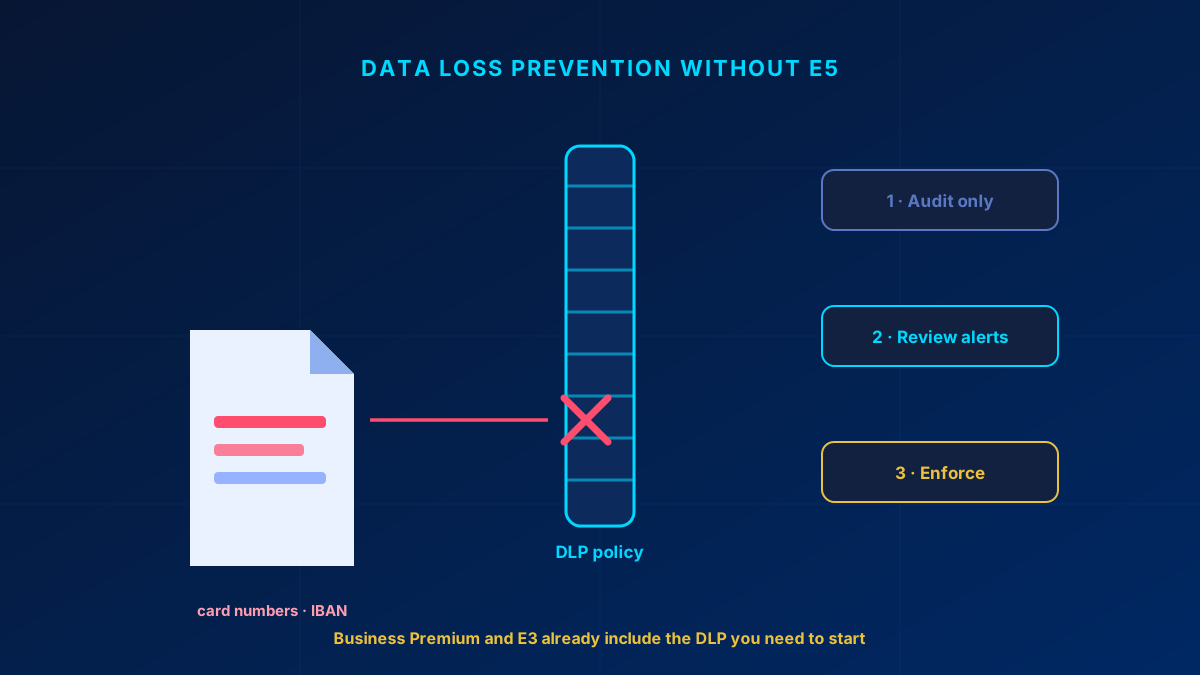
You do not need E5 to start. Business Premium and E3 cover DLP for Exchange, SharePoint and OneDrive, including files shared through Teams. Teams chat and channel-message DLP needs the appropriate E5 Compliance or E5-class entitlement. E5-class licensing also adds endpoint DLP (USB sticks, local copies), trainable classifiers and Insider Risk. Start by classifying what matters, deploy two or three narrow policies in simulation mode, review the hits for two weeks, then enforce. Going straight to block is how DLP projects die.
The licensing truth: what you already have
The licensing fog around DLP costs companies more than the licences do. Cutting through it:
| Capability | Business Premium / E3 | Needs E5 (or a Purview add-on) |
|---|---|---|
| DLP for Exchange, SharePoint and OneDrive, including Teams files | Included | — |
| DLP for Teams chat and channel messages | — | E5 Compliance / E5-class entitlement |
| Built-in sensitive info types (card numbers, IBAN, national IDs) | Included | — |
| Manual sensitivity labels | Included | — |
| Policy tips shown to users in Outlook and Office | Included | — |
| Endpoint DLP (USB, local file copies, clipboard) | — | E5 / E5 Compliance |
| Automatic labelling & trainable classifiers | — | E5 / E5 Compliance |
| Insider Risk Management, Communication Compliance | — | E5 / E5 Compliance |
Read that table again if you are about to buy E5 for DLP. Email, SharePoint, OneDrive and files shared through Teams are covered by E3-class licensing. A sensitive message pasted into a Teams chat is a separate E5-class licensing decision. E5 becomes the right answer when you need endpoint controls, Teams message DLP, or when manual labelling has clearly hit its ceiling. Always validate the exact SKU and service plan in the current Microsoft licensing comparison before rollout.
Start with the data, not the policy
The most common failure I see is someone opening the Purview portal and creating policies on day one. You end up protecting whatever Microsoft's templates happened to suggest, not what would actually hurt your business if it left.
Spend the first session away from the portal and answer three questions with whoever owns the business risk:
- What would genuinely hurt if it leaked? Usually customer lists, pricing, contracts, personnel files, product designs. Rarely "everything".
- Where does it live? Which SharePoint sites, which mailboxes, which Teams. If the answer is "everywhere", you have a governance problem to fix first — and a SharePoint permission audit is the better place to start.
- Who legitimately sends it outside? Finance mails invoices. Sales mails contracts. If you do not map this first, your first policy will block the people whose job it is.
Three starter policies that earn their keep
Two or three narrow, well-understood policies beat fifteen broad ones nobody trusts. These three cover most SMB exposure:
1. Payment and banking data leaving the organisation. Built-in types for credit card numbers and IBAN, scoped to Exchange and SharePoint/OneDrive external sharing. Add Teams chat and channel messages only where the required E5-class entitlement is present. Start with a policy tip and an alert rather than a hard block — the tip alone stops most accidental sends, because people genuinely did not realise what was in the attachment.
2. Bulk personal data. Same idea, but with a count threshold: flag when a message or file contains more than, say, ten records of national ID or health data. The threshold is what separates "an HR mail about one employee" from "someone just exported the personnel database". Under GDPR, the second one is the reportable event.
3. Confidential-labelled content leaving the tenant. Publish a small sensitivity label set first (Public / Internal / Confidential is enough), then write one DLP rule: content labelled Confidential cannot be shared externally. This is the policy that scales, because the label travels with the file and users apply it where automated detection cannot reach. It pairs directly with the Data pillar of the Zero Trust series.
The rollout: audit, review, enforce
Every DLP policy in Microsoft 365 can run in simulation mode — either Run the policy in simulation mode, or Run the policy in simulation mode and show policy tips. These two states replaced the older Test and Test with policy tips states, and unlike them they report matches and alerts in their own dashboard, separate from enforced policies. A simulation run lasts up to 15 days and its results are kept for 30, so plan each phase inside that window and export what you need before it ages out. The sequence that works:
- Days 1–14 — simulation, no tips. The policy watches and logs, nobody is interrupted. Read the baseline with one caveat: for SharePoint and OneDrive, simulation evaluates existing items as well as new ones, but for Exchange, Teams and Devices only items created during the run are evaluated — so a mail pattern that did not occur in those two weeks simply will not appear.
- Review the matches. This is the step people skip and the step that decides the project. Expect false positives — order numbers that look like card numbers, a support inbox forwarding customer data legitimately. Tune the sensitive info types and add the exceptions you found.
- Days 15–28 — a second simulation run, this time with policy tips. Users start seeing the warning. Note that a configured block does take effect here, with an override option, so this is not a zero-impact phase. Behaviour changes already, and you find the remaining edge cases without generating a pile of support tickets.
- Then enforce — and tell people first. A short "from Monday, mails containing card numbers to external recipients will be blocked, here is who to contact" costs one email and prevents the entire backlash.
A policy nobody trusts gets exceptions added until it protects nothing. The audit-first rollout is not caution — it is what keeps the policy alive six months later.
The Teams DLP trap
"DLP in Teams randomly stopped working" is a recurring complaint, and it is usually not random. Three things to check before assuming a platform fault:
- Scope. This is the one that catches most people, and the rule is the opposite of what you would guess. If the policy's Teams location is scoped to individual user accounts, it covers 1:1 and group chats but not standard, private or shared channel messages. Channel messages are only covered when the policy is scoped to a security group, distribution group, non-mail-enabled security group or Microsoft 365 group. So if channel messages are going unprotected, do not remove the group scoping — add it.
- Licensing per user. DLP for Teams chat requires the right licence on the individual user, and the Microsoft Communications DLP service plan has to be enabled on that licence in the Microsoft 365 admin center. One unlicensed account in a channel is enough to make the behaviour look inconsistent.
- Private and shared channels, and guests. Private channel messages are covered — the licensing note says so explicitly — provided the policy is scoped to a group rather than to individuals. Shared channels behave differently: because they run on Entra B2B direct connect, each participant's messages are evaluated against the DLP policies of their own home tenant, not yours. And for guests, deletion of a sensitive message only happens when your tenant initiated the chat or thread.
Check the policy's actual scope and the licence on the specific accounts involved before opening a support case. That is where the answer usually is. New Teams customers also get a default DLP policy created automatically in the Purview portal — check whether it exists before assuming nothing is configured.
Mistakes that sink DLP projects
- Blocking on day one. Guarantees resistance and exception creep. Simulate first.
- Fifteen policies out of the gate. Nobody can reason about the interactions, and every alert becomes noise. Start with two.
- Buying E5 before checking the table above. Endpoint DLP is a real capability, but most SMB leaks go through mail and sharing links, not USB sticks.
- Nobody owns the alerts. A DLP policy with no named reviewer is a log file with extra steps. Assign one person before you enable anything.
- Labels with no guidance. Twelve labels with sub-labels get ignored; four clear ones get used.
Glossary
- DLP (Data Loss Prevention)
- Policy-based detection and control of sensitive content leaving via email, Teams, SharePoint, OneDrive or the endpoint.
- Sensitive information type
- A built-in or custom pattern Microsoft Purview uses to recognise data such as credit card numbers, IBANs or national IDs, including checksum validation.
- Simulation mode
- A DLP policy state where matches are reported in a separate dashboard instead of being enforced. With policy tips switched off, a configured Block action is downgraded to Audit. With policy tips switched on, it becomes Block with override, so users do see a block they can push past — worth knowing before you call it a zero-impact phase.
- Policy tip
- The inline warning shown to a user in Outlook, Office or Teams when their content matches a DLP rule — often enough on its own to stop accidental sends.
- Endpoint DLP
- E5-tier DLP that extends control to the device itself: USB copies, printing, clipboard and local file operations.
- Sensitivity label
- A classification that travels with a file or mail and can carry encryption and access rules — the anchor for DLP rules that scale.
Frequently Asked Questions
How do I implement DLP in Microsoft 365 without E5?
Business Premium and E3 already include DLP for Exchange, SharePoint and OneDrive, including files shared through Teams, plus the built-in sensitive information types and manual sensitivity labels — which covers the channels most SMB data actually leaks through. Teams chat and channel messages are the exception and need an E5-class entitlement. Classify what matters first, then deploy two or three narrow policies in simulation mode, review the matches, and only then enforce. E5-class licensing is also needed for endpoint DLP, automatic labelling and Insider Risk Management.
Which Microsoft 365 plan do I need for DLP?
For mail, SharePoint, OneDrive and files shared through Teams, Business Premium or E3 can be enough. Teams chat and channel-message DLP requires an E5 Compliance or E5-class entitlement. You need E5 or an E5 Compliance add-on for endpoint DLP (USB, clipboard, local copies), trainable classifiers and automatic labelling, Insider Risk Management and Communication Compliance.
How do I set up DLP policies for a small IT team?
Start with three: payment and banking data going to external recipients, bulk personal data above a record-count threshold, and content labelled Confidential being shared externally. Run each in simulation mode for two weeks, review and tune the false positives, switch on policy tips for another two weeks, then enforce — and announce the change before you do.
Why did my DLP policy in Teams stop working?
It is usually scope or licensing rather than a fault. Check the shape of the Teams scope first: a policy scoped to individual user accounts covers chats but not standard, private or shared channel messages — channel coverage requires scoping to a group. Then check that each individual user holds an E5-class licence with the Microsoft Communications DLP service plan enabled, and whether your test involved a shared channel, where the sender's home-tenant policy applies rather than yours.
