
In short
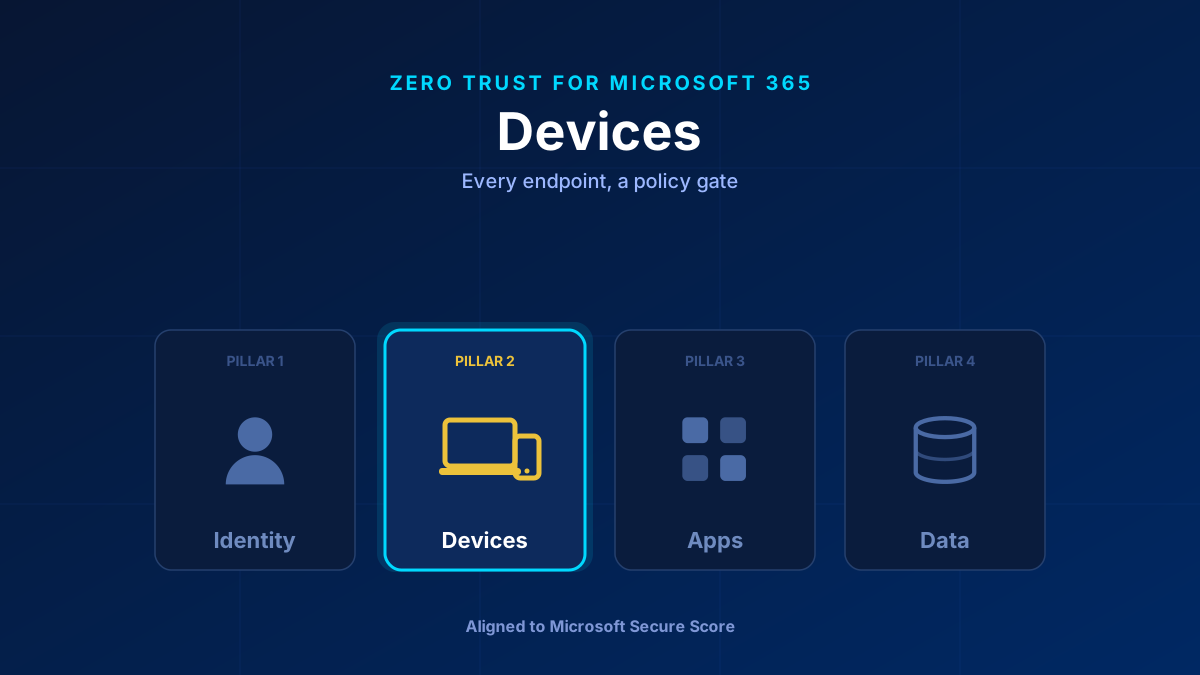
A secured identity signing in from a compromised device is still a compromised session. The Devices pillar turns every laptop and phone into an active participant in Zero Trust. In Microsoft 365 that means Intune: enrol devices, enforce compliance policies (encryption, patch level, Defender on), and feed that compliance state back into Conditional Access so an unhealthy device is blocked before it reaches data. Protect BYOD with app protection policies without managing the whole device.
Why the Device Is a Signal, Not a Given
Identity answers “who is this?” The device pillar answers “and can I trust the thing they are using?” A perfectly authenticated user on a jailbroken phone or an unpatched laptop is still a risk. Zero Trust treats device health as a live signal in the access decision, not as something you assume once at enrolment.
This is the pillar that makes Conditional Access more than a login prompt. When Intune reports a device as compliant, that state flows into the access decision — and a non-compliant device gets blocked or dropped to limited web-only access.
What Secure Score Measures Here
- Devices enrolled and marked compliant in Intune.
- Disk encryption (BitLocker / FileVault) enforced.
- Defender for Endpoint onboarded and reporting.
- Security baselines deployed rather than default configurations.
- Conditional Access requiring a compliant or hybrid-joined device for access to Exchange, SharePoint, and Teams.
The Controls That Matter
Intune enrolment and compliance policies. The foundation. A compliance policy sets the bar — minimum OS version, encryption on, Defender active, no jailbreak — and Intune continuously evaluates it. Then you tie compliance to access. Start here; the whole pillar depends on it. If you are just standing this up, the Intune enrollment restrictions guide is the right first control.
Windows Autopilot. Zero-touch provisioning. Ship a device straight to a user; they sign in and it self-configures with policies, apps, and baselines. No golden image, no manual build. See how Autopilot ends the setup chaos.
Security baselines. Deploying Intune without applying a baseline is like fitting a door and leaving it open. Baselines are Microsoft's hardened, pre-built policy sets; apply them and tune from there rather than starting from defaults. This is also why the golden tenant approach is dead — configuration lives in policy, not in a hand-built image.
Defender for Endpoint. Endpoint detection and response — behavioural sensors, automated investigation, and a device risk score that can itself become a Conditional Access signal, so a high-risk device triggers step-up or block.
App protection policies (MAM) for BYOD. You do not need to own a personal phone to protect corporate data on it. App protection policies enforce encryption, PIN, and copy-paste limits at the app level, leaving the rest of the device alone. See mobile application management for BYOD.
How to Roll It Out
Phase one: Enrol corporate devices. Deploy compliance policies (encryption, OS floor, Defender on) and connect compliance to Conditional Access. Non-compliant devices lose access to corporate data.
Phase two: Stand up Autopilot for new devices and apply Intune security baselines. Roll out app protection policies for personal devices.
Phase three: Onboard everything to Defender for Endpoint, enable attack surface reduction rules, and use the device risk score as a Conditional Access signal.
Common Mistakes
Conditional Access without device compliance. A policy that requires MFA but accepts any device is trusting the device implicitly — the exact thing Zero Trust rejects. Compliance has to feed the gate.
Enrolling without a baseline. Managed and hardened are not the same thing. Apply the baseline.
Forcing full enrolment on personal phones. Users resist it and you take on liability you do not want. App protection policies get you the data protection without managing the device.
Glossary
- Intune
- Microsoft's cloud endpoint management service for device compliance, configuration, and app protection across Windows, macOS, iOS, and Android.
- Compliance policy
- An Intune rule set (encryption, OS version, Defender state, jailbreak check) that a device must meet; its result feeds Conditional Access.
- Windows Autopilot
- Zero-touch provisioning that self-configures a new device with policies, apps, and baselines when the user first signs in.
- Security baseline
- A pre-built, hardened Intune policy set based on Microsoft best practice, applied instead of default configuration.
- Defender for Endpoint
- Endpoint detection and response — behavioural sensors, automated investigation, and a device risk score usable as a Conditional Access signal.
- MAM / App protection policy
- Mobile Application Management — protects corporate data inside apps on unmanaged (BYOD) devices without enrolling the whole device.
Frequently Asked Questions
How do devices fit into Zero Trust for Microsoft 365?
Device health becomes a signal in every access decision. Intune evaluates each device against a compliance policy, and that compliant/non-compliant state feeds into Conditional Access — so an unhealthy device is blocked before it reaches Exchange, SharePoint, or Teams.
Do I have to enrol personal (BYOD) phones to secure them?
No. App protection policies (Mobile Application Management) protect corporate data inside the apps — enforcing encryption, a PIN, and copy-paste limits — without managing the rest of the personal device.
Is deploying Intune enough?
Not on its own. Enrolling a device makes it managed, not hardened. Apply Intune security baselines, enforce encryption, onboard Defender for Endpoint, and connect compliance to Conditional Access to actually raise the bar.
