
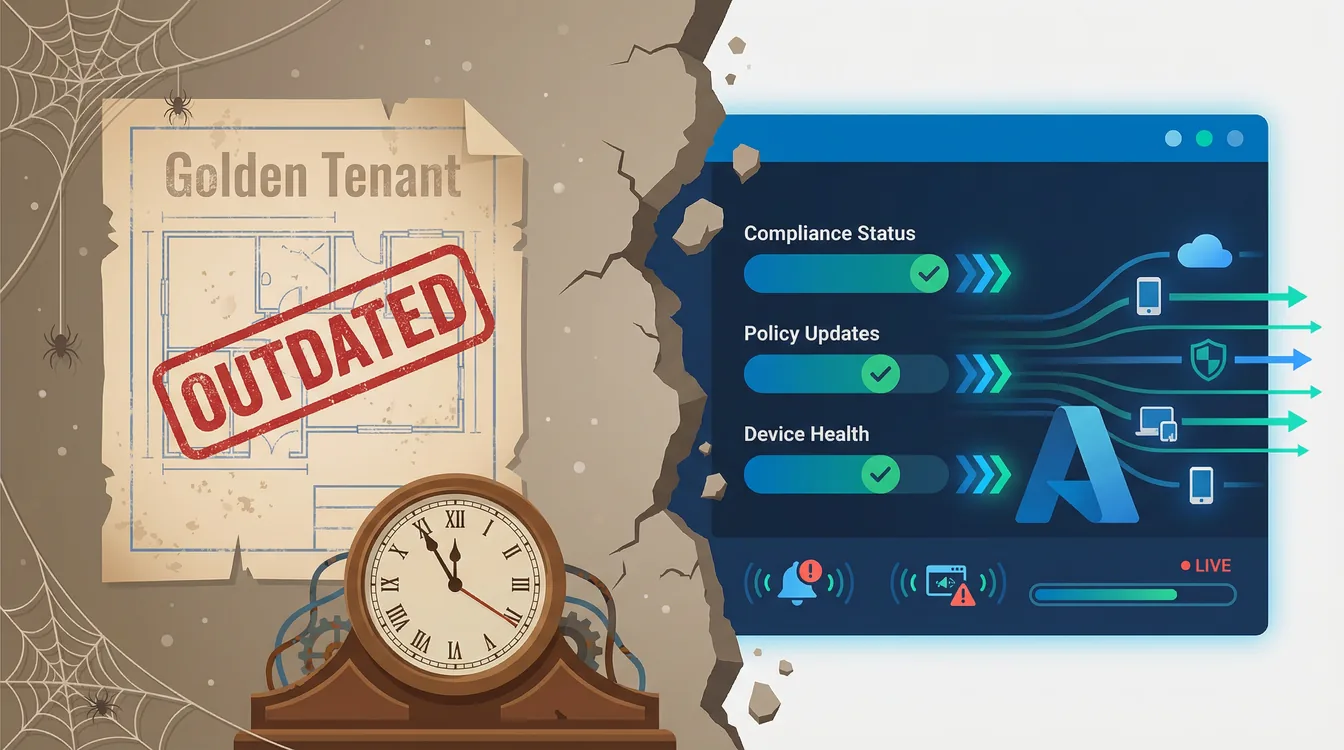
A Good Idea That Doesn't Age Well
The Intune golden tenant is a concept that most IT admins and Managed Service Providers know well — a polished, standardized reference environment that defines how every Microsoft 365 or Intune setup should look. Build it once, clone it to every customer, and call it a day. On paper, it is elegant. In production, it ages badly, because Microsoft ships changes faster than any manual baseline can absorb them.
What Is a Golden Tenant?
A golden tenant is a master configuration — a "perfect" reference environment for Microsoft 365 and Intune. The idea: define your ideal Intune security baseline rollout once — compliance policies, Conditional Access rules, application assignments — and replicate it everywhere.
It promises consistency at scale. And for a while, it delivered exactly that.
Who Uses One, and Why?
Golden tenants appear in two distinct contexts — and the frustrations they generate are nearly identical.
Internal IT Departments
For internal teams, a golden tenant typically serves as a controlled test environment — a safe space to validate new Intune or Microsoft 365 configurations before they touch production. It helps with consistent policy deployment across business units, governance and audit readiness, and structured change validation before large-scale rollout.
The problem? Microsoft ships an Intune service release every month — 2603, 2604, 2605 — and publishes documented changes weekly, on top of separate security baseline versions. The six-to-eight-week figure people quote is Microsoft's internal sprint, from planning to release; what actually lands in your tenant lands monthly. Most change management cycles simply cannot keep pace. The golden tenant stops being a living standard and starts being a historical record.
Managed Service Providers (MSPs)
For MSPs managing multiple customer tenants, the golden tenant became a scalable shortcut — replicate once, deploy many times, maintain service consistency across the board.
But each customer brings a different licensing stack, regulatory environment, and risk tolerance. "One size fits all" becomes "one size fits none" at production speed. Keeping every tenant aligned with the golden baseline stops being a strategy and starts being a second full-time job.
MSPs working with tools like Microsoft 365 Lighthouse can deploy standard tenant configurations at scale, but even those baselines require active governance to remain current and compliant across all tenants.
Why the Model Took Off
The golden tenant was solving a real problem: Microsoft 365 and Intune are complex, and managing them consistently across dozens or hundreds of endpoints requires a repeatable framework.
At its best, the model delivered three things:
- Consistency — A single trusted configuration that reduced human error
- Efficiency — Deploy once, replicate many times
- Quality control — Centralized testing and change validation before rollout
It worked well enough — until the cloud stopped sitting still.
Four Cracks in the Foundation
1. Static by Design
A golden tenant is a snapshot, not a system. Every update — from Microsoft or from an internal admin decision — requires manual revalidation and re-deployment, tenant by tenant. That's not configuration management; that's configuration archaeology.
2. One Size Fits None
Every organization has distinct business needs, risk profiles, and licensing models. Enforcing a rigid configuration baseline across all of them doesn't eliminate exceptions — it multiplies them, often silently.
3. Drift Is Inevitable
Environments change. Applications update. New users get provisioned with slightly different settings. Admins make one-off adjustments under pressure. The golden configuration tarnishes well before anyone notices — a challenge that industry practitioners consistently flag as one of the top pain points of multi-tenant baseline management.
4. Too Slow for the Pace of Microsoft
Intune follows a monthly service-release cadence, with changes documented week by week and security baseline versions shipping on their own schedule — the Windows 11 25H2 baseline arrived with service release 2603, for example. Microsoft's own changelog makes this pace very clear. By the time a golden tenant is validated, packaged, and deployed to downstream environments, it's already behind.
The "Automated Management" column below describes what vendors in this category claim their platforms do. It is a product promise, not a documented Microsoft capability — treat it as the benchmark to test a tool against, not as a given.
| Challenge | Golden Tenant | Automated Management |
|---|---|---|
| Microsoft update cadence (monthly service releases) | Manual revalidation required each cycle | Continuously aligned, no manual cycle |
| Configuration drift | Detected only at next audit | Detected and remediated automatically |
| Per-tenant customization | Overrides create exceptions and debt | Context-aware per environment |
| Time to deploy updates | Days to weeks per tenant | Continuous, no manual deployment |
The Modern Alternative: Automation That Adapts
The answer isn't a better template. It's a fundamentally different approach to Intune configuration management: dynamic, drift-aware automation that keeps up with Microsoft's release pace and responds to the specific needs of each environment — without manual intervention for every change.
This is precisely what Devicie is built to do.
How Devicie Changes the Model
Rather than maintaining a static reference tenant, Devicie provides an adaptive, automated configuration layer for Microsoft Intune environments. The points below are the vendor's own description of the product, not something you can verify against Microsoft documentation — test them against your own tenants before you buy:
- Automates Intune at scale — No manual cloning, versioning, or tenant-by-tenant replication required
- Continuously aligns with Microsoft's security and compliance baselines — The platform deploys configuration, hardening, and compliance updates as Microsoft's ecosystem evolves
- Tailors to each environment — Licensing, risk posture, and workforce context are factored in, not overridden
- Detects and remediates drift automatically — Compliance doesn't degrade between manual audit cycles
In April 2025, Devicie received a growth investment from Insight Partners, further validating its position as a leader in automated Intune management. The platform was also recognized as a finalist for the 2025 Microsoft for Startups Partner of the Year.
Whether you're managing a single enterprise environment or 50 customer tenants, Devicie turns configuration management from a periodic project into a continuously maintained system — always current, always compliant, always consistent.
The Verdict: Templates Can't Keep Up
The golden tenant was the right answer for a slower world. A world where Microsoft released updates annually, compliance requirements changed quarterly, and a well-configured environment could stay well-configured for months without intervention.
That world is gone.
Today's IT leaders and MSPs need configuration management that adapts in real time, not templates that require a full revalidation cycle every time Microsoft ships a feature update.
A golden tenant gives you control once. Automation gives you control always.
If your team is spending hours maintaining configuration consistency across tenants, the problem isn't your process — it's the model. Pair your drift-aware approach with Intune enrollment restrictions as the foundation, use Windows Autopilot to deliver a consistent, zero-touch device experience from day one, and adopt a Zero Trust in Microsoft 365 strategy as the compliance backbone.
Frequently Asked Questions
What is a golden tenant in Intune?
A golden tenant is a master "reference" Microsoft 365/Intune configuration — security baselines, compliance policies, Conditional Access, app assignments — defined once and replicated to other tenants. It delivers consistency, but it's a static snapshot that drifts and falls behind Microsoft's monthly Intune service releases.
What are Intune security baselines?
Intune security baselines are preconfigured groups of Microsoft-recommended Windows settings. The available baselines — Windows MDM, Microsoft Defender for Endpoint, Microsoft 365 Apps for Enterprise, Microsoft Edge and Windows 365 — all target Windows; there are none for iOS, Android or macOS. They give you a hardened starting point — but baselines change as Microsoft updates them, so they need ongoing governance, not a one-time rollout.
How do you handle configuration drift in Intune?
Configuration drift happens when environments diverge from the intended baseline through updates and one-off changes. Handle it with drift-aware, automated configuration management that continuously detects and remediates drift, rather than catching it only at the next audit.
