
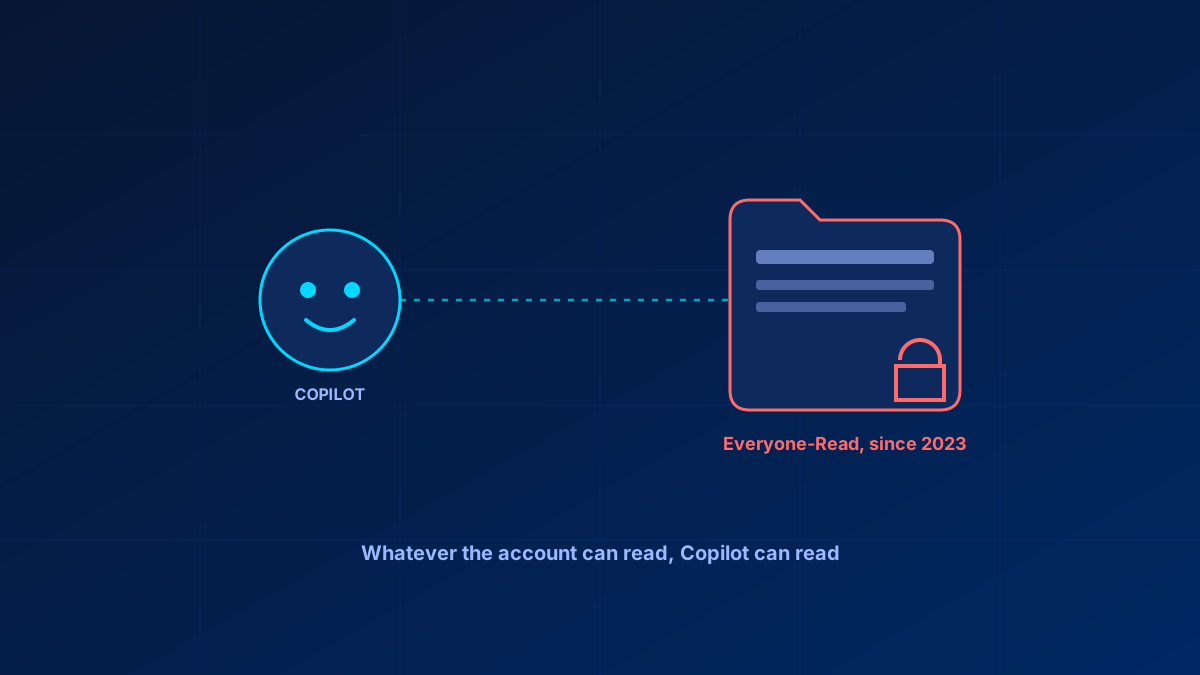
Copilot does not create new permission problems. It exposes the ones that were already there, at a speed that makes them impossible to ignore.
A SharePoint site shared with "Everyone" three years ago because it was faster than setting up proper groups was a low-risk decision at the time — almost nobody was going to manually search it looking for something specific. Copilot searches it in seconds and summarises whatever it finds, including HR documents, finance data, or anything else sitting in a folder nobody has reviewed since it was created.
In short
Copilot operates within the querying user's own permissions — it has no separate elevated access. That is the correct design, and exactly why oversharing matters: an existing attack surface becomes practically usable at scale for the first time. Run the data access governance reports in the SharePoint admin center — if your licence gets you them — deploy a minimum three-tier sensitivity label set over HR, finance and legal content, and pilot before tenant-wide rollout. Copilot readiness is a permissions and labelling project wearing an AI deployment's name.
What Copilot can see is what the signed-in user can see
Copilot operates within the querying user's own permissions. It does not have separate elevated access. That is the correct design and exactly why oversharing matters: if a regular employee's account technically has read access to a finance folder because of a grant nobody revisited, Copilot uses that access the same way the employee's own manual search would — except faster and more thorough.
The risk is not a new attack surface Copilot introduces. It is an existing attack surface Copilot makes practically usable at scale for the first time.
Checking what is actually overshared
Microsoft ships a set of data access governance reports for exactly this, in the SharePoint admin center under Reports > Data access governance: a site permissions snapshot report, a "Sensitivity label applied to files" report, and activity reports for sharing links and for content shared with "Everyone except external users". SharePoint Advanced Management adds the Content management assessment on top, which surfaces oversized audiences, EEEU usage and broken inheritance in one place. Most tenants have never opened any of it. Before enabling or expanding Copilot:
- Run the data access governance reports and treat any site flagged as "everyone" or "everyone except external users" as a finding requiring a decision, not a default to leave alone. Where a site needs its owner's judgement rather than yours, send a site access review to delegate that decision to them
- Cross-reference sites holding sensitive content — HR, finance, legal, exec communications — against their actual sharing scope, since these disproportionately carry legacy broad grants
- Check site-level sharing settings against your intended baseline; many tenants are more permissive at site level than the tenant default suggests, because site owners have their own controls
The same groundwork applies whether or not Copilot is in play — see the SharePoint permission audit for the mechanics.
Why sensitivity labels are the real prerequisite
Copilot respects the protections a sensitivity label is configured to apply, but a label does not automatically repair an overbroad SharePoint permission grant. Encryption, site or container labels, DLP and related controls must be configured deliberately. Before any of that takes effect, enable sensitivity labels for Office files in SharePoint and OneDrive — until that switch is on, encrypted files are only handled while in use in the Office apps. Without those controls, Copilot still evaluates the querying user's underlying access, which is exactly the layer most likely to be wrong after years of ad hoc sharing.
Almost no SMB tenant has a working label taxonomy before considering Copilot, which means the real readiness gap is usually not licensing or technical configuration. It is a labelling project that has to happen first for Copilot's access decisions to be trustworthy rather than merely inherited.
A minimum viable set does not need to be exhaustive: General, Confidential and Highly Confidential, applied at minimum to the libraries holding HR, finance and legal content, covers the highest-risk exposure without a full enterprise taxonomy project. Labelling the SharePoint sites themselves — container labels — is an E5 capability, so on E3 or Business Premium plan for file-level labels plus site-level sharing settings instead.
How to use SharePoint Advanced Management as a control layer
SharePoint Advanced Management needs a qualifying base subscription — Office 365 E3/E5/A5, Microsoft 365 E1/E3/E5/A5, or a government plan — plus either at least one assigned Microsoft Copilot licence in the tenant, or the SharePoint Advanced Management Plan 1 add-on on a SharePoint K/P1/P2 subscription. Microsoft 365 Business Basic, Standard and Premium are not on that base-subscription list, which is exactly the gap most SMB tenants hit. Microsoft 365 E5 without SAM still reaches the data access governance activity reports, but without snapshot reports, without remedial actions, and capped at 10,000 sites.
Without SharePoint Advanced Management — the position most Business Premium tenants are in — you still have the SharePoint admin center's sharing settings, the Active sites list with its sharing column, per-site permission review, and Business Premium sensitivity labels. What you do not get is the tenant-wide oversharing reporting, so the review has to be scoped by hand to the sites that actually hold sensitive content. Data access governance reports are useful where you have them, but they are one layer alongside permissions, labels, DLP and site access reviews.
A readiness checklist that is actually specific
- Run and review the data access governance reports — start with the site permissions report and the "Shared with Everyone except external users" report — and resolve or consciously accept every flagged site
- Deploy a minimum sensitivity label set covering HR, finance and legal content specifically, with the protection settings needed for those labels to matter
- Confirm Purview DLP scope covers Copilot interactions — the policy location is called Microsoft 365 Copilot and Copilot Chat, and it is a separate configuration from mail and file DLP. Check the licence first: DLP that stops Copilot from processing labelled files and emails requires Microsoft 365 E5/A5 or a Purview Suite plan and is not included in Business Premium or E3; only the prompt-level controls are available on every plan
- Audit current SharePoint Advanced Management availability and configuration directly, including data access governance reports, site access reviews and Restricted Content Discovery where appropriate
- Pilot with a small group before tenant-wide rollout, specifically to catch access patterns the report did not flag
Bottom line
Copilot readiness is fundamentally a permissions and labelling project wearing an AI deployment's name. Enabling the licence is a few clicks. Getting the underlying access model to a state where "whatever the AI can see" is something you would actually choose — rather than something inherited from years of convenient sharing — is the actual work, and it belongs before rollout, not after as incident response.
Glossary
- Data access governance (DAG) reports
- SharePoint admin center reports under Reports > Data access governance that identify sites with broad or unusual sharing scope, including sharing links and content shared with "Everyone except external users".
- Sensitivity label
- A Purview classification that travels with a file and can carry encryption and usage rights. Copilot honours labels as a second layer on top of permissions: permissions decide whether the user reaches the file at all, and the label's encryption then decides whether Copilot may extract from it.
- SharePoint Advanced Management
- A licence-dependent set of SharePoint governance controls, including data access governance reports and site access reviews. Included with an assigned Microsoft Copilot licence, or available as the SAM Plan 1 add-on.
- Permission sprawl
- The accumulation of broad or forgotten access grants over years of ad hoc sharing decisions — invisible until something makes it searchable.
Frequently Asked Questions
What files can Copilot see in my SharePoint right now?
Whatever the querying user's own account has permission to read — Copilot has no separate elevated access. Run the data access governance reports in the SharePoint admin center to see which sites have broader access than intended before assuming the answer is only what it should be.
How do I fix permission sprawl before deploying Copilot?
Start with the data access governance reports in the SharePoint admin center — the site permissions report and the "Shared with Everyone except external users" report — prioritise HR, finance and legal content specifically, and resolve each flagged site deliberately rather than leaving legacy grants unreviewed.
What is the minimum sensitivity label configuration for Copilot?
A basic three-tier set — General, Confidential, Highly Confidential — applied at minimum to SharePoint libraries containing HR, finance and legal content covers the highest-risk exposure without requiring a full enterprise taxonomy first. Labelling the sites themselves is an E5 capability.
How should I use SharePoint Advanced Management before Copilot rollout?
Check the prerequisites first: SAM needs an Office 365 E3/E5/A5, Microsoft 365 E1/E3/E5/A5 or government base subscription plus a Copilot licence or the SAM Plan 1 add-on, so Business Premium tenants do not have it. Where you do, use its data access governance reports and site access reviews alongside permissions, labels and DLP.
What does a real Copilot readiness checklist for an SMB look like?
Run the data access governance reports if your licence includes them, deploy minimum sensitivity labels for sensitive content, confirm Purview DLP scope covers Copilot interactions, audit Advanced Management settings, and pilot with a small group before full rollout.
