
In short
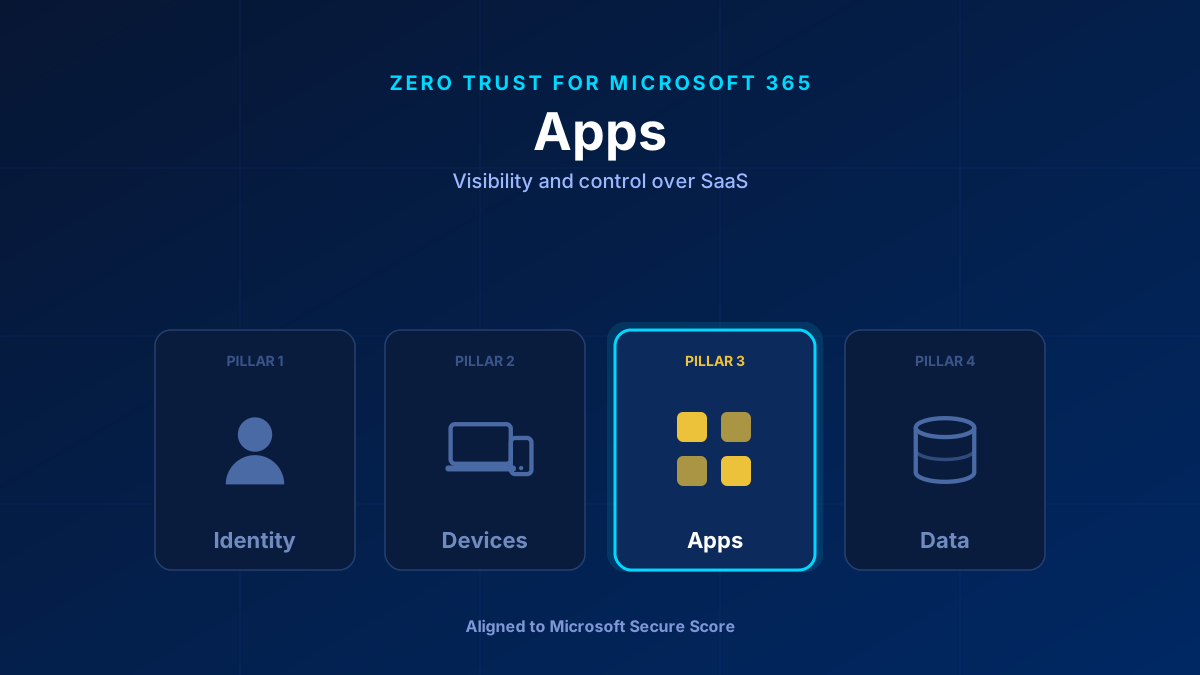
Users sign up for SaaS tools, authorise OAuth connections, and pipe data into apps IT has never heard of. The Apps pillar brings that sprawl under control. In Microsoft 365 the tool is Defender for Cloud Apps: discover shadow IT, sanction or block apps, govern the OAuth grants that quietly hold access to your tenant, and use Conditional Access App Control to police what happens inside a session.
The Pillar Nobody Watches
Identity and devices get attention because they are obvious. Apps are where the quiet risk lives. A user connects a third-party tool with their work account, clicks “accept” on an OAuth consent screen, and now an app you never approved holds a token that can read mail or files — no password, no device, no further prompt. Multiply that across a few hundred users and you have an attack surface nobody is looking at.
The Apps pillar is about visibility first and control second: know what is connected, decide what is allowed, and govern what sanctioned apps can actually do.
What Secure Score Measures Here
- Cloud app discovery enabled so shadow IT is visible.
- User consent to apps restricted to verified publishers or an admin-consent workflow.
- Risky OAuth apps reviewed and revoked.
- Conditional Access session controls applied to sensitive apps.
The Controls That Matter
Defender for Cloud Apps (the CASB). This is the core of the pillar. It discovers shadow IT by analysing traffic — often straight from the Defender for Endpoint agent, no log upload needed — and scores thousands of apps, including a growing catalogue of generative-AI tools. From there you sanction, monitor, or block.
OAuth and enterprise app governance. The consent screen is the new phishing lure. Restrict user consent to verified publishers, require admin consent for anything broader, and review existing grants — revoke the over-permissioned and the unrecognised. This starts in the Identity pillar and pays off here.
Conditional Access App Control. Session-level enforcement that proxies traffic through Defender for Cloud Apps. Block download of a labelled document to an unmanaged browser, block activities such as printing and copy-paste, or let a download through but have the file labelled and encrypted on the way out — real-time control over what a sanctioned app is allowed to do. Watermarking is not one of these session controls: content marking is a property of a Purview sensitivity label applied to the document, not something the proxy paints onto a live session.
App protection for the data inside apps. The Devices pillar's app protection policies matter here too: they keep corporate data from leaking out of sanctioned mobile apps into personal ones.
How to Roll It Out
Phase one: Enable Defender for Cloud Apps discovery. Review the app inventory, sanction the known-good, block the clearly-risky.
Phase two: Lock down OAuth consent. Require admin consent for third-party apps, review and prune existing grants, and turn on anomaly detection for OAuth apps.
Phase three: Deploy Conditional Access App Control for your most sensitive SaaS. Route those sessions through the reverse proxy and apply real-time download and copy controls.
Common Mistakes
Assuming you have no shadow IT. Every tenant does. The only question is whether you can see it. Turn on discovery before you claim otherwise.
Leaving user consent wide open. Default consent settings let any user grant a third-party app access to their data. Restrict it — this is one of the cheapest, highest-value changes in the whole model.
Enabling Copilot and other AI apps blind. Generative-AI tools are apps too. Know which ones your users are feeding data into before it becomes an incident.
Glossary
- Defender for Cloud Apps (CASB)
- A Cloud Access Security Broker that discovers shadow IT, scores SaaS apps, and lets you sanction, monitor, or block them.
- Shadow IT
- SaaS applications in use across the organisation that IT never approved or, often, ever knew about.
- OAuth consent
- The screen where a user grants a third-party app token-based access to their Microsoft 365 data — a common, password-free attack vector when left unrestricted.
- Conditional Access App Control
- Session-level enforcement that proxies app traffic through Defender for Cloud Apps to block downloads, block activities such as printing and copy-paste, or label and encrypt files on download in real time.
- Enterprise app governance
- Reviewing and controlling which third-party applications hold permissions against your tenant, and revoking the over-permissioned ones.
Frequently Asked Questions
What is the Apps pillar in Zero Trust for Microsoft 365?
It is about seeing and controlling the SaaS applications and OAuth connections in your tenant — the shadow IT and third-party grants that identity and device controls do not cover. Defender for Cloud Apps is the primary tool for discovery, sanctioning, and session control.
Why is OAuth consent a security risk?
When a user accepts an OAuth consent screen, a third-party app receives a token that can read mail or files without a password or device check. Left unrestricted, a malicious app can phish that consent and hold quiet, persistent access. Restricting consent to verified publishers closes the gap.
Do I need E5 for the Apps pillar?
No. User consent restrictions and the admin consent workflow are configured in Entra ID and need no Premium licence at all — every tenant has them; what you need is the right admin role. App governance is not an Entra ID feature: it belongs to Microsoft Defender for Cloud Apps and needs a valid Defender for Cloud Apps licence. The full CASB — discovery, session control, and anomaly detection — comes with a standalone Defender for Cloud Apps licence or one of the suites that include it: Enterprise Mobility + Security E5, Microsoft 365 E5/A5/G5, the Defender Suite, or the Purview Suite. Conditional Access App Control on top of that also needs Entra ID P1.
