
A security tool that flags real risk and also floods the queue with false positives eventually gets the same response either way: admins stop reading it closely.
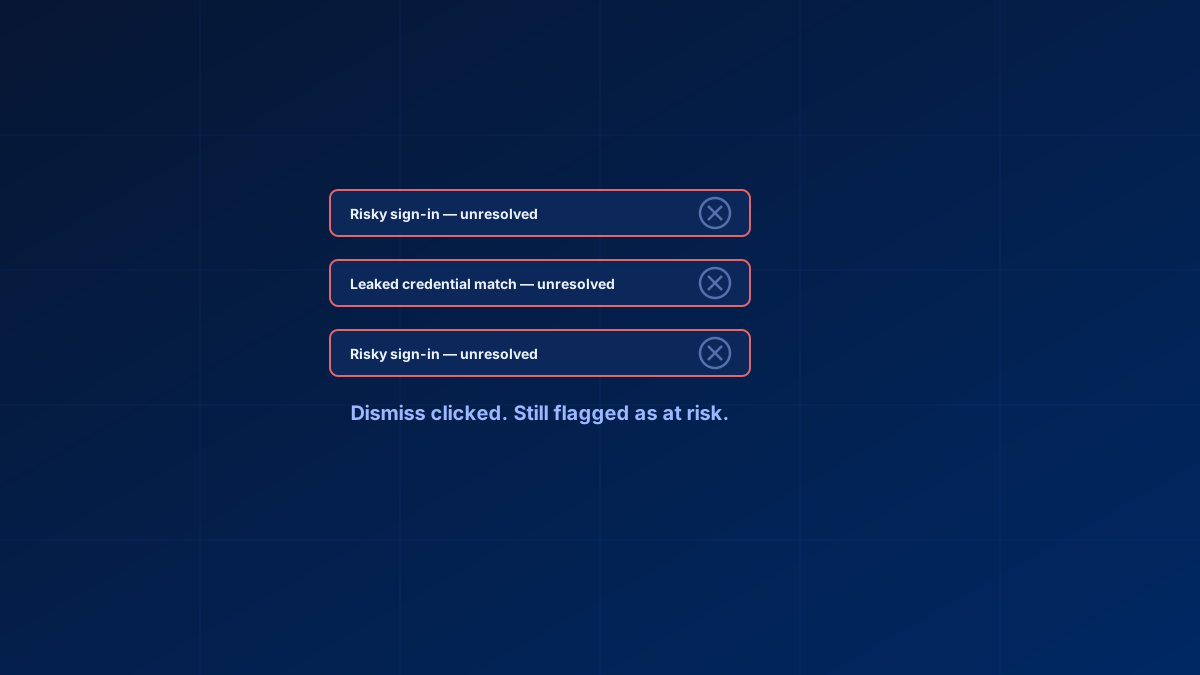
That is the practical failure mode with Identity Protection — risky user detections that turn out to be false positives, and then a queue that still looks open after you worked it, because dismissals are processed asynchronously and the report lags behind the click.
In short
Identity Protection's value depends on admins trusting and triaging it. Verify the resulting risk state through the portal or Graph when closing a case rather than treating any UI action as evidence. Leaked Credentials is a verified exposure signal and should enter a password-reset and session-review runbook. P1 and Free tenants can receive nonpremium detections and generic additional-risk signals, while detailed premium detections and risk-based Conditional Access require P2.
Why the dismiss button matters more than it sounds
Closing a risky-user case is not cosmetic, but the action matters. Use Confirm user safe when the investigation shows the user was safe; Microsoft can use that feedback. Use Dismiss user risk only when the risk was real but benign. A user can appear at risk again when new or ongoing linked signals are present, so verify the current risk history rather than assuming a reappearance proves that a dismissal failed.
Dismissing risk is processed asynchronously and can take a few minutes to show up, and risk feedback on detections is processed offline. So do not treat the click as the outcome. Check directly via /identityProtection/riskyUsers/{id} in Microsoft Graph — the risk reports in Graph require Entra ID P2 — or open the risky users list in the Microsoft Entra admin center under Protection > Identity Protection > Risky users, and confirm the state actually moved to dismissed or remediated rather than persisting as at risk.
Leaked Credentials without independent confirmation
The Leaked Credentials detection is not a loose or partial dataset match. Microsoft validates discovered credential material against the tenant's current valid password hashes and emits the detection only for a confirmed match. It is always high risk because it represents verified credential exposure, not a heuristic signal.
That does not mean every alert proves an attacker used the account, but it does mean the response should be serious: start a secure password reset and review or revoke sessions according to the incident runbook. For hybrid identities, password hash synchronization is required for on-premises password remediation through Entra.
Do not disable the detection merely to reduce queue volume. Improve triage, ownership and automated remediation instead.
P1 versus P2: what risk detection you actually have
Detailed premium detections and risk-based Conditional Access require Entra ID P2 or Microsoft 365 E5. Free and P1 tenants can still receive nonpremium detections and generic "Additional risk detected" events, but they do not receive detailed premium detection context or risk-based Conditional Access. That matters because "Identity Protection" gets used loosely, and a P1 admin reading about risky user detection may not realise the feature is unavailable regardless of configuration effort. On P1, build Conditional Access on the signals you do have — device compliance, location, MFA state — since there is no risk score to build a policy on. See the Identity pillar for how those fit together.
Reducing false positives without losing signal
- Define your known-safe network ranges as named locations and mark them as trusted — office IPs, established VPN egress. Sign-ins from trusted named locations lower the calculated sign-in risk and improve the accuracy of the risk calculation, so expected infrastructure stops producing travel-pattern false positives
- Require step-up authentication rather than a hard block at medium risk, reserving blocks for high risk. This reduces the cost of a false positive from a lockout to an extra prompt
- Review risk policy scope regularly — a policy scoped too broadly generates volume a narrower one would not
Alert triage for MSPs across many tenants
At fifty-plus tenants, per-tenant manual review does not hold up, which is why the honest answer in MSP circles is often "we do not investigate most alerts." The workable approach is a centralised layer surfacing only high-risk, high-confidence detections across all managed tenants into one queue, with medium and low risk handled by automated remediation — forced reset, step-up MFA — rather than manual review. Building it needs either a PSA/RMM integration pulling the Graph identityProtection endpoints across tenants, or a multi-tenant layer plus a scripted rollup. Either way, the answer to "how do I review this manually across fifty tenants" is that you do not; you triage by policy.
Bottom line
Identity Protection is only as useful as the trust admins place in it. Verify dismissals actually persist, treat Leaked Credentials as confirmed credential exposure that goes straight into a password-reset and session-revocation runbook, and if you are on P1, stop looking for a reduced version of risk detection that does not exist.
Glossary
- Identity Protection
- Entra ID P2 risk engine that scores users and sign-ins for compromise likelihood and can feed that risk into Conditional Access.
- Risky user
- A user Entra ID has flagged as likely compromised. Medium and high risk states persist until remediated or dismissed; low risk detections and users age out automatically after six months.
- Leaked Credentials
- A detection raised when credential material found by Microsoft's credential scanning is validated against the tenant's current valid password hashes and matches. Always delivered as high risk: it is confirmed credential exposure, though not proof that an attacker has used the account.
- Named location
- A defined IP range or country in Entra ID. Marked as trusted, it lowers the sign-in risk calculated for sign-ins from known-safe infrastructure.
- Step-up authentication
- Requiring an additional, stronger authentication factor in response to elevated risk, instead of blocking the sign-in outright.
Frequently Asked Questions
Why can I not dismiss Risky Users in Identity Protection?
Dismissing risk is processed asynchronously and can take a few minutes to update the report, and risk feedback on detections is processed offline. After dismissing, verify the actual risk state via Microsoft Graph (/identityProtection/riskyUsers/{id}, which requires Entra ID P2) or the admin center rather than assuming the click cleared it.
Are Entra ID Leaked Credentials alerts always real?
Yes, in the sense that matters: Microsoft validates the discovered credential material against your tenant's current valid password hashes and only emits the detection on a confirmed match, which is why it is always high risk. It confirms the password is exposed, not that an attacker has already signed in — so reset the password securely, revoke sessions, and check the risk history and sign-in logs for correlated activity.
How do I reduce false positives in Identity Protection without losing coverage?
Define known-safe network ranges as named locations and mark them as trusted so sign-ins from them carry lower calculated risk, use step-up authentication instead of hard blocks at medium risk, and review risk policy scope regularly rather than leaving it broad.
Do SMBs really need Entra ID P2 for risk detection?
Risk-based sign-in and user-risk Conditional Access require P2 — there is no reduced version on P1. P1 tenants can still build meaningful Conditional Access on device, location and MFA signals without a risk score.
How should MSPs triage Identity Protection alerts across dozens of tenants?
Manual per-tenant review does not scale past a handful. A centralised queue surfacing only high-confidence, high-risk detections, combined with automated remediation for medium and low risk, is the realistic approach.
