
This article used to say the opposite. The February version argued that Microsoft 365 Archive could only take whole sites, that file-level archiving was a mid-year roadmap item, and that a third-party product was the sensible stopgap. It shipped. Here is the corrected version.
In short
Microsoft 365 Archive moves inactive SharePoint content into a colder tier billed at $0.05/GB/month against the $0.20/GB/month standard rate, and it works on individual files now, not only whole sites. File-level archive is on by default once the service is enabled: edit permissions to archive a file, read permissions to reactivate it. Two things surprise people. Archiving files does not free a site's quota, and archived content is invisible to Copilot.
What file-level archive actually does
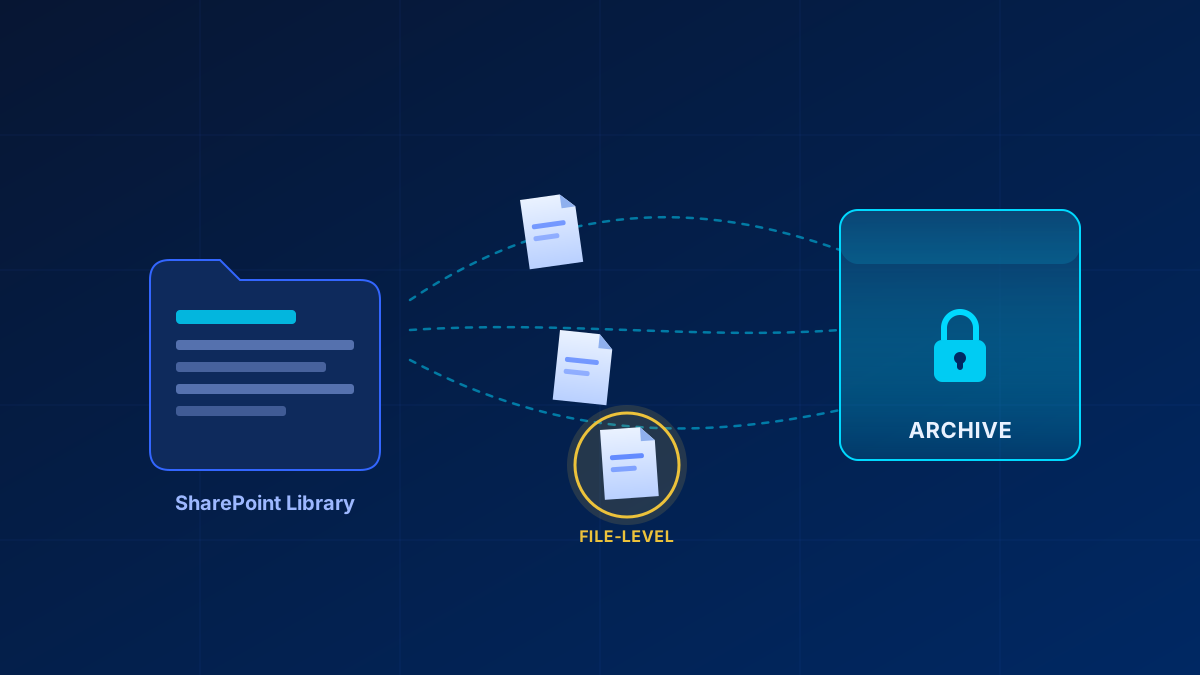
File-level archiving is enabled by default for every SharePoint site the moment Microsoft 365 Archive is turned on in the tenant. No preview to join, no switch to hunt for. A user with edit permissions selects a file and picks Archive; any user with read permissions picks Reactivate. Folders work through Archive all files and Reactivate all files, recursive into subfolders, capped at 20,000 items per folder.
How fast content comes back depends on how long it has been cold. For seven days it sits in the Recently archived state and reactivates instantly; after that reactivation takes up to 24 hours, and whoever started it gets an email when it finishes. Admins keep three PowerShell levers over the whole thing.
# Switch file-level archive off tenant-wide (default is $true)
Set-SPOTenant -AllowFileArchive $false

# Or leave it on and disable it for a single site
Set-SPOSite -Identity https://contoso.sharepoint.com/sites/finance -AllowFileArchive $false

# Storage consumed by archived files on a site, in bytes
Get-SPOSite -Identity https://contoso.sharepoint.com/sites/finance | Select-Object Url, ArchivedFileDiskUsed
Automation runs through Graph: POST /drives/{driveId}/items/{itemId}/archive and the matching /unarchive. Enumeration still returns archived items, carrying an archiveStatus property, so check metadata before reading content. A download against an archived file returns 423 Locked by design.
What it costs, and the trap in the middle of it
Storage is metered per GB per month, and the meter only runs above your licensed quota. If archived plus active storage still fits inside the SharePoint capacity your licences include, archiving costs nothing extra. Above that line archived storage bills at $0.05/GB/month where standard storage would be $0.20/GB/month. That is the entire savings argument, and it exists only once you are over quota. Enabling it needs pay-as-you-go billing first: an Azure subscription and resource group in the same tenant, linked in the Microsoft 365 admin center. Reactivation has been free since 31 March 2025, but not for OneDrive accounts, and reactivated content cannot be re-archived for four months.
Now the part that catches people out. Archiving a file does not reduce the site's reported storage usage and does not change quota enforcement there. Archived files keep consuming site storage exactly like active ones. What moves is tenant-level accounting: active storage drops, archived storage rises by the same amount, and the cheaper rate applies to the second number. File-level archive is a cost instrument, not a rescue for a site pressing against its own quota. Site archiving is the one that stops consuming active quota, so if a single site is the problem, start with optimizing SharePoint Online storage before you pay for it.
| Site archive | File archive | |
|---|---|---|
| Who archives | SharePoint administrator | Any user with edit permissions |
| Who reactivates | Administrator only | Any user with read permissions |
| Effect on site quota | Site stops consuming active quota | None — files still count |
| Automation | SAM inactive site policies | Graph archive / unarchive |
| Cannot be archived | Publishing sites, channel sites, legacy templates | OneNote, SharePoint pages and agents, Site Assets |
Search, compliance, Copilot
Archived content stays visible to your compliance tooling. eDiscovery finds it and exports directly from archived content without reactivating anything, though those exports take longer. Retention policies and labels keep running, deletions included, and archived files move into the Preservation Hold library when retention calls for it. Sensitivity labels are honoured, and archive, reactivation and deletion land in the audit log.
Users still find archived content in search, permission-trimmed and full-text, through an Archived filter in OneDrive and SharePoint. They simply cannot open it without reactivating first. Copilot is the deliberate exception: archived content is not used in Copilot responses at all. For a dead project site that is a feature; for anything you still want answers from, it makes archiving the wrong move.
Where the native tier stops
- File-level archive is a SharePoint site feature. OneDrive is not covered.
- Client support is uneven, and that is what generates tickets. Word and PowerPoint on the web, the mobile apps, macOS with the OneDrive sync client and Office desktop versions not updated since 1 March 2026 can throw a misleading error instead of saying the file is archived.
- Teams with private or shared channels are only partially supported. The admin center refuses the site; PowerShell and Graph archive the main site and its standard channels and leave the channel sites active. Archiving a site does not archive its team either.
- There is no policy engine for files. SharePoint Advanced Management archives whole sites through inactive site policies, and needs a qualifying base subscription plus either one assigned Microsoft Copilot licence in the tenant or the Plan 1 add-on. Microsoft publishes no per-user price.
- Archive is not backup. Content deleted from an archived site still expires out of the recycle bin, and retention policies still delete on schedule.
So: start native, and in most tenants stop there. Three things still justify buying on top — sites the native tier cannot archive, policy-driven file tiering you do not want to build on Graph, and backup. Granularity, self-service restore and intact compliance tooling are no longer on that list.
Frequently Asked Questions
Can you archive a single file in SharePoint?
Yes. Once Microsoft 365 Archive is enabled, file-level archive is on by default for SharePoint sites. Edit permissions to archive, read permissions to reactivate, and folder actions apply recursively. OneNote files, SharePoint pages, SharePoint agents and the Site Assets library are excluded.
Does archiving files free up SharePoint storage?
Not at site level. Archived files keep consuming the site's storage and do not change quota enforcement there. At tenant level the data is reclassified from active to archived storage, which is what earns the lower rate. Archiving a whole site is what stops consuming active quota.
Do I still need a third-party SharePoint archiving tool?
Usually not. The native tier now covers file-level granularity, end-user reactivation and direct eDiscovery export. A third-party product still makes sense for sites Microsoft 365 Archive cannot touch, such as Teams with private or shared channels, and for backup.
Sources
- Overview of Microsoft 365 Archive
- Manage Microsoft 365 Archive
- End user experience in Microsoft 365 Archive
- Archive states in Microsoft 365 Archive
- Pricing model for Microsoft 365 Archive
- Microsoft 365 Archive FAQ
- Compliance features in Microsoft 365 Archive
- Developer guidance for Microsoft 365 Archive
- Searching for archived content
- Inactive site policies in SharePoint Advanced Management
- SharePoint Advanced Management prerequisites